
Chippewa County Warrant Searches
The sheriff's Active Warrant Listing is the starting point for any Chippewa County warrant search. It is the only public sheet the county keeps for warrants. Reading it costs nothing. There is no search form, just the table itself. Every other channel answers a different piece of the same question, so plan on using two or three, and write down what each one says as you go.
- Read the sheriff's table and note the warrant number, date, offense level, and bond amount on any matching row.
- Call the Sheriff's Office at 320-269-2121 and ask which court holds the file.
- Call District Court Administration at 320-269-7774 about a court date or a possible recall.
- Search Minnesota Court Records Online with a case or citation number, or use the courthouse public-access terminal.
- File a county data practices request when the public pages fall short, and ask for public fields only.
- Talk to a lawyer before acting on a hit.
Chippewa County Warrant List Search Gap
Most people expect a name field and a submit button. The Chippewa County table has neither. It renders as one static sheet with seven display columns and no filters, no sorting, no pagination, and no export, so the only way to isolate a name is the browser's own find command. That command matches an exact string, which means it will miss a nickname, a maiden name, a transposed letter, or a partial spelling. A Last Run Date stamp sits at the top of the page. That stamp is the only freshness signal offered. The county publishes no update schedule, so read the stamp as the answer to when the sheet last ran, not as a promise about this morning. When a row needs a case file behind it, the official Chippewa County warrant list and the court records system work side by side, and a phone call to the court confirms what neither one settles.
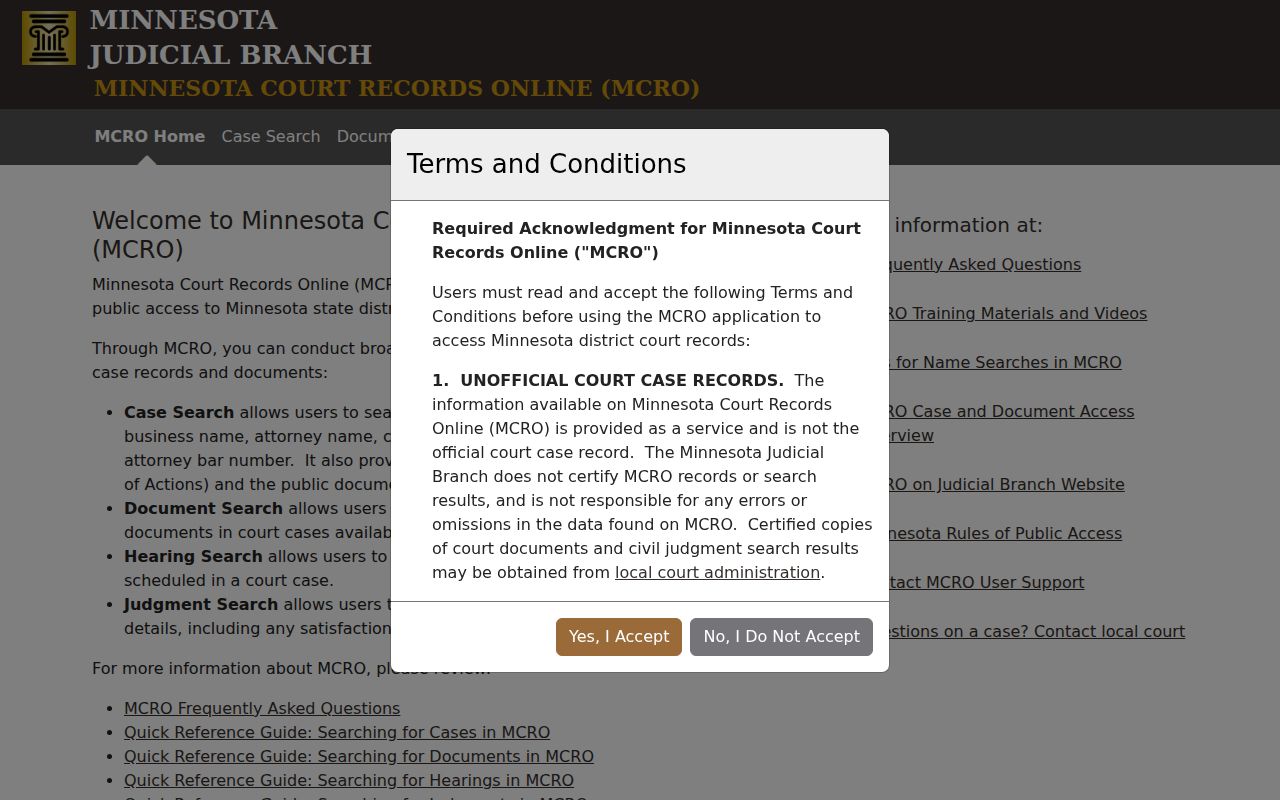
When a Chippewa County table row needs a case file behind it, the court records system is the companion route to use.
What a Warrant Search Asks For
Each window asks for something different. The sheriff table asks for nothing at all, while the court systems want a specific identifier. Knowing which one narrows a result saves real time in a Chippewa County warrant check. A case or citation number will find a file faster than a name ever will.
| Channel | Field or Control | Type | Notes |
|---|---|---|---|
| Sheriff warrant table | No search field | None | Static display only, with a Last Run Date stamp |
| Sheriff warrant table | Warrant number, name, date of birth | Display columns | Read only; never reproduce a row |
| MCRO Case Search | Person name | Text | Pending criminal cases may not be name searchable |
| MCRO Case Search | Case number or citation number | Text | The most reliable route for a known file |
| MCRO Hearing Search | Person, case number, judicial officer, attorney, bar number | Text | Shows a scheduled event, not a warrant status |
| Court Payment Center | Citation or case number | Text | For payable citations only |
Start a Chippewa County Check With a Case Number
A case or citation number beats a name every time. Minnesota Court Records Online accepts case numbers, citation numbers, attorney names, and bar numbers, and its own guidance favors those identifiers for pending criminal matters. A citation usually carries a twelve-digit preprinted number. Case prefixes such as CR or VB point to the kind of file, though the prefix alone never proves what the file holds. Check the notice, the citation, or a prior receipt before guessing at spellings. One wrong letter sends a name search into a dead end and hands back a false sense of clearance. When the number cannot be found, call the Chippewa County court at 320-269-7774 and let staff look it up.
Chippewa County Warrant Search Results
A search result is rarely the full record. The Chippewa County table gives a bare row; the court system gives a case trail. Read the identifiers first, then the status information. Whatever the systems leave blank is unknown, not settled.
| Warrant Number | Local format such as 12-CR-YY-NNN, with no published code key. |
|---|---|
| Name and Date of Birth | The fields used to match a person. Give the date of birth to an agency only. |
| Date of Warrant | When the warrant issued, which helps order multiple rows. |
| Bond or Bail Amount | An amount without a bond type, so it is not a payment quote. |
| Offense Level | Felony, Gross Misdemeanor, or Misdemeanor. |
| Description | Short free text that may name a failure to appear or a traffic offense. |
| Register of Actions | Court events from MCRO, which may not cover every document. |
Why the Sheriff Table and MCRO Differ
The two systems were built for different jobs. A reader who expects them to agree will be confused. The Chippewa County sheriff table publishes what law enforcement wants the public to see about active warrants. MCRO publishes the court's own case trail, hearings, documents, and judgments included, and it keeps several categories of material out of view.
| Question | Sheriff Warrant Table | Minnesota Court Records Online |
|---|---|---|
| What it covers | Published active warrants countywide | Public district court cases and documents |
| How you search it | Browser find on a static sheet | Case, citation, person, attorney, or hearing fields |
| What it lacks | Court, judge, bond type, status history | Search warrants, sealed files, older documents |
| Best use | First look at published warrant status | Tracing the case behind a warrant |
Chippewa County Warrants: Who Holds What
No single office holds every piece of a Chippewa County warrant question. The sheriff publishes the list and serves county warrants. District Court Administration keeps the file and the calendar. Each city that issued a citation holds its own agency records, and the state court system sits on top as a partial public window. Route every question to the office that owns the answer.
| Office | What It Holds | How to Reach It |
|---|---|---|
| Chippewa County Sheriff's Office | Published active warrant table and county enforcement | 629 N. 11th Street, Suite 14, Montevideo; 320-269-2121 |
| Chippewa County District Court Administration | Case files, court dates, orders, recall questions | 629 N. 11th Street, Montevideo; 320-269-7774 |
| Minnesota Court Records Online | Public case, document, hearing, and judgment records | Online through the state court system |
| Issuing city office | City citations and city-held records | City hall or the city police department |
Search Warrants Are a Different Chippewa County Question
A search warrant authorizes officers to search a place, a person, or property. It is not a check on anyone's warrant status. That distinction matters because the records are handled differently. The state court system does not publish search warrants in its online records, and some stay sealed while an investigation runs. Anyone who needs a search warrant record has to ask Chippewa County courthouse staff about that specific public record and the filing rules that apply. A news story about a search is not a warrant record either. For status questions, use the warrant table and the court file. Save the courthouse counter for the narrow search-warrant question, which is a different errand in Chippewa County altogether.
Which Warrants Stay Restricted
Minnesota law keeps several categories of warrant information out of public view. The county's public table reflects those limits. Arrest-warrant-index data can stay confidential until the person is in custody, served, or has appeared. Juvenile files are generally nonpublic. Sealed or expunged records drop out of ordinary searches. For adult criminal history, a courthouse public-access terminal can still be the fuller route in Chippewa County.
Key Rules:
Minnesota Statutes section 13.03 presumes public data is available and requires a statutory reason for any denial.
Minnesota Statutes section 13.82 allows warrant-index data to stay confidential before custody, service, or appearance.
Minnesota Statutes section 260B.171 governs juvenile records and their narrow public exceptions.
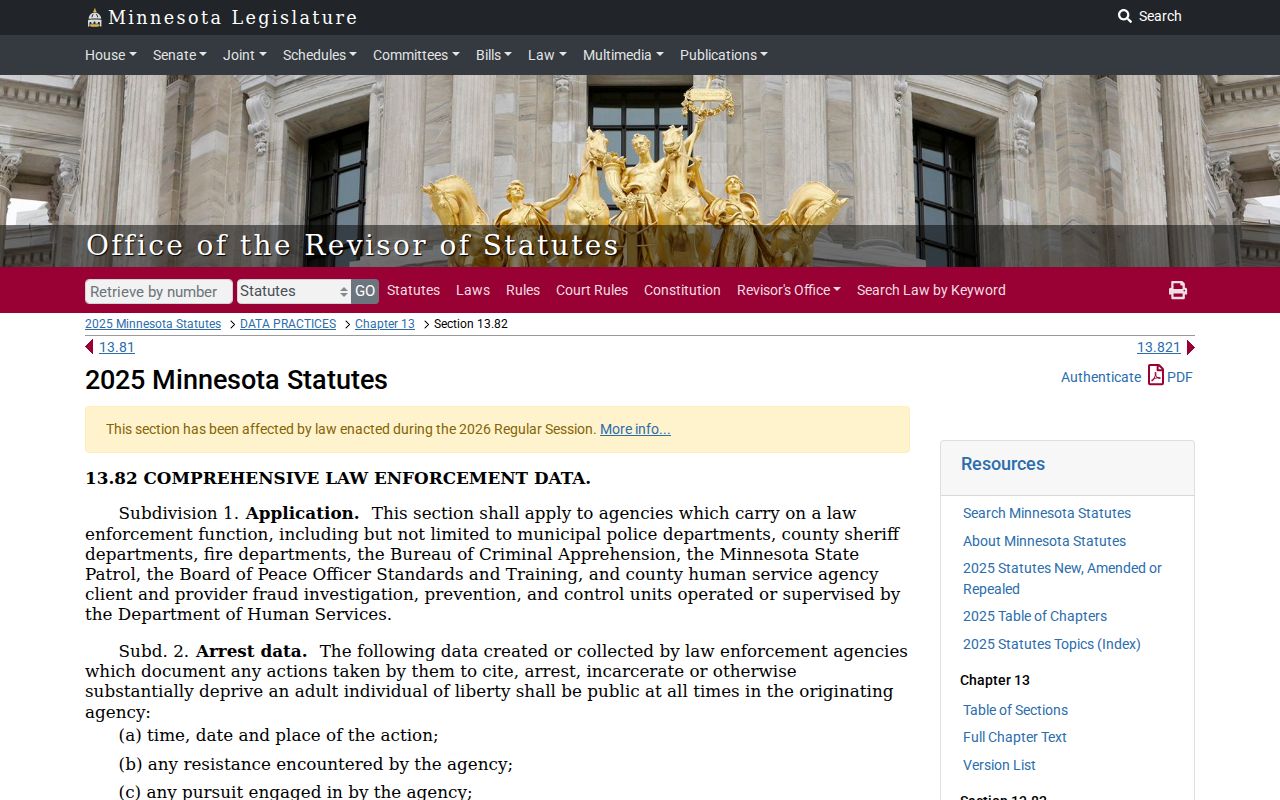
That confidentiality rule is the reason a clean Chippewa County search result cannot be read as proof that no warrant exists.
Checking a Relative's Chippewa County Warrant Safely
Family often does the looking. In Chippewa County, that works fine for some steps and not others. The published table is public, so a relative can read any posted row and pass along what it shows. Confirmation is a different matter. The sheriff may ask questions only the person named on the warrant can answer, and the county form treats a request about someone else as its own category, one that can require consent. So a relative can gather, but not always verify. Handle the details with care. Keep the other person's date of birth and case number in a private note instead of a public post. Let that person decide what to do with what turns up. If an active warrant is there, the next move is an attorney and the issuing court, not social media. The county active warrant search page explains what the published list does and does not show.